跟随鼠标的粒子效果
2 years ago(已编辑)
# 编程
189
0
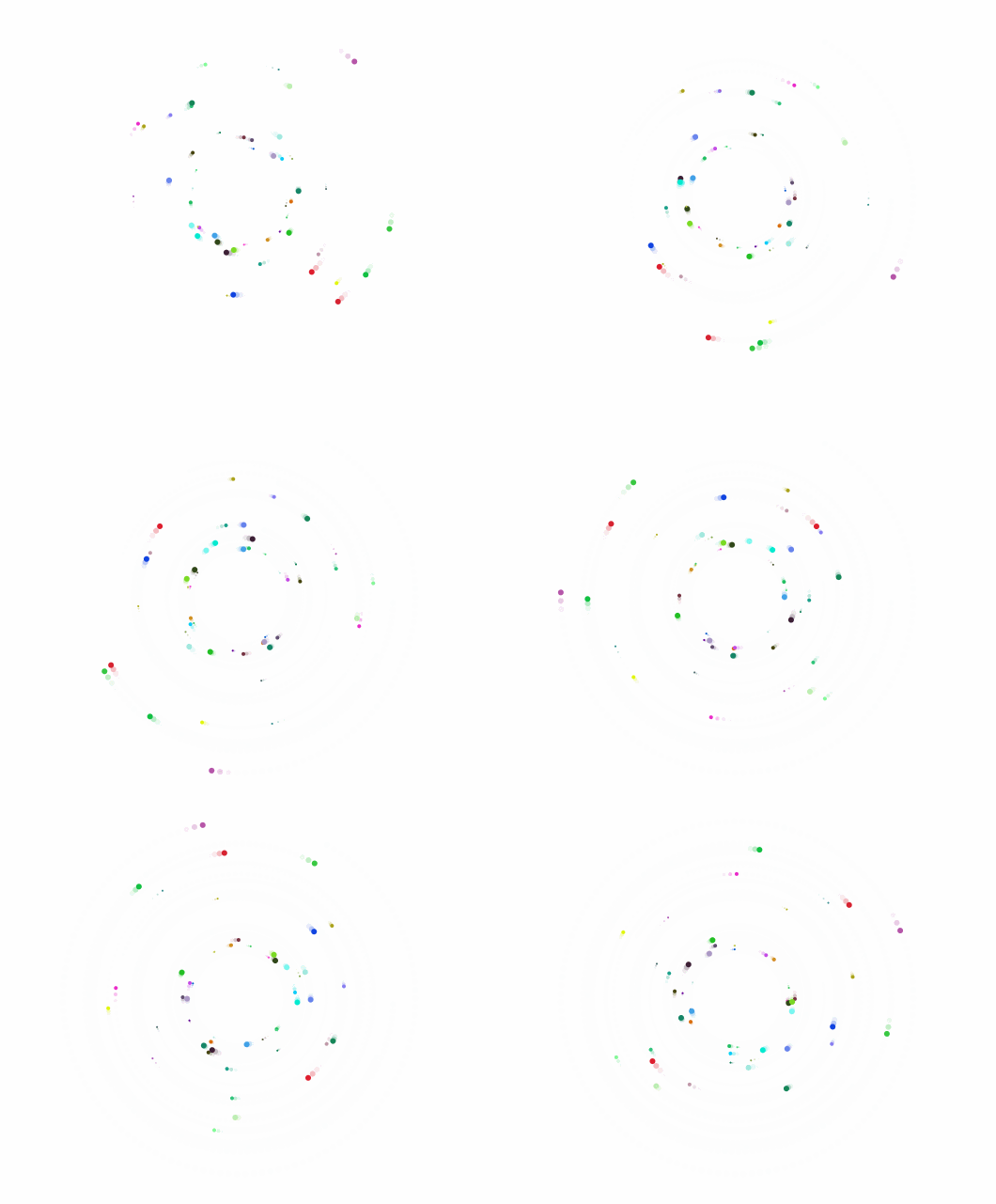
使用canvas实现跟随鼠标的粒子效果,效果如下
代码实现
function randomInt(min: number, max: number) {
  return Math.floor(Math.random() * (max - min + 1)) + min
}

interface ParticleOptions {
  originX: number
  originY: number
  size: number
  radius: number
  color: string
  speed: number
  angle: number
}

export class Particle {
  public x: number
  public y: number
  public originX: number
  public originY: number
  public size: number
  public radius: number
  public color: string
  public speed: number
  public angle: number

  constructor(options: ParticleOptions) {
    this.x = options.originX
    this.y = options.originY
    this.originX = options.originX
    this.originY = options.originY
    this.size = options.size
    this.radius = options.radius
    this.color = options.color
    this.speed = options.speed
    this.angle = options.angle
  }

  public update() {
    this.angle += this.speed
    this.x = Math.cos(this.angle) * this.radius + this.originX
    this.y = Math.sin(this.angle) * this.radius + this.originY
  }

  moveTo(x: number, y: number) {
    const dx = Math.abs(x - this.originX)
    const dy = Math.abs(y - this.originY)
    const vx = dx / 40
    const vy = dy / 40
    if (this.originX < x)
      this.originX += vx
    if (this.originX > x)
      this.originX -= vx
    if (this.originY < y)
      this.originY += vy
    if (this.originY > y)
      this.originY -= vy
  }
}

export class ParticleEngine {
  public particles: Particle[] = []
  private originX = 0
  private originY = 0

  constructor(
    public ctx: CanvasRenderingContext2D,
    public count: number,
    public radius: number,
    private speed: number,
  ) {
    this.speed = speed
    this.count = count
    this.init(count)
  }

  init(count: number, options?: Partial<ParticleOptions>) {
    this.originX = options?.originX ?? this.ctx.canvas.width / 2
    this.originY = options?.originY ?? this.ctx.canvas.height / 2
    for (let i = 0; i < count; i++) {
      const radius = this.radius + Math.random() * 3 * i
      const angle = Math.random() * 2 * Math.PI
      const particle = new Particle({
        originX: this.originX,
        originY: this.originY,
        size: randomInt(1, 3),
        radius,
        color: `rgb(${Math.random() * 255},${Math.random() * 255},${Math.random() * 255})`,
        speed: this.speed ?? Math.random() * 0.05 + 0.015,
        angle,
      })
      this.particles.push(particle)
    }
  }

  draw(particle: Particle) {
    this.ctx.beginPath()
    this.ctx.fillStyle = particle.color
    this.ctx.arc(particle.x, particle.y, particle.size, 0, 2 * Math.PI)
    this.ctx.fill()
    this.ctx.closePath()
  }

  run() {
    requestAnimationFrame(() => {
      // this.ctx.clearRect(0, 0, this.ctx.canvas.width, this.ctx.canvas.height)
      this.ctx.fillStyle = 'rgba(255,255,255,0.7)'
      this.ctx.rect(0, 0, this.ctx.canvas.width, this.ctx.canvas.height)
      this.ctx.fill()
      this.particles.forEach((particle) => {
        this.draw(particle)
        particle.moveTo(this.originX, this.originY)
        particle.update()
      })
      this.run()
    })
  }

  update(x: number, y: number) {
    return
    this.originX = x
    this.originY = y
  }

  reload(count?: number) {
    this.particles = []
    this.init(count ?? this.count, {
      originX: this.originX,
      originY: this.originY,
    })
  }
}
文章标题:跟随鼠标的粒子效果
文章作者:灰色の青
最后修改时间: 2024 年 9 月 27 日 14:59
版权声明:自由转载-非商用-非衍生-保持署名(创意共享3.0许可证)
还没有人踏及此处,留下足迹吧